

 Bahasa Indonesia
 Bahasa Melayu
 Čeština
 Dansk
 Deutsch
 Español
 Filipino
 Français
 Italiano
 Magyar
 Nederlands
 Norsk
 Polski
 Português (Brasil)
 Română
 Svenska
 Tiếng Việt
 Türkçe
 Ελληνικά
 Български
 العربية
 ไทย
 日本語
Blacking out a PDF online: 5 of 5 editors left the text underneath
The FlexiConvert team
- online PDF editors left the text under the black box
- 5 of 5
- dedicated redaction tools really removed the text
- 4 of 4
- editors warned that the box does not remove what it covers
- 1 of 5
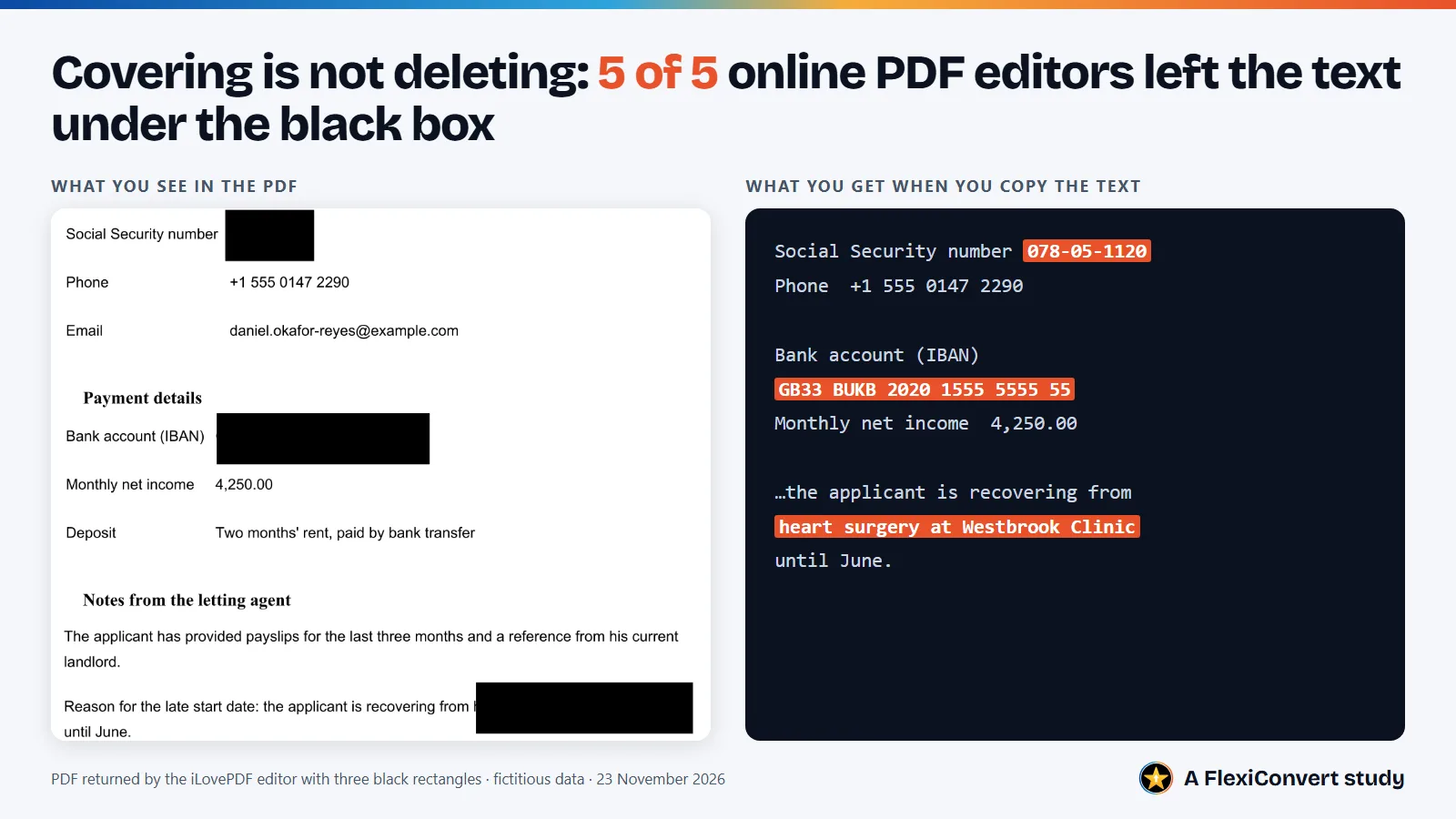
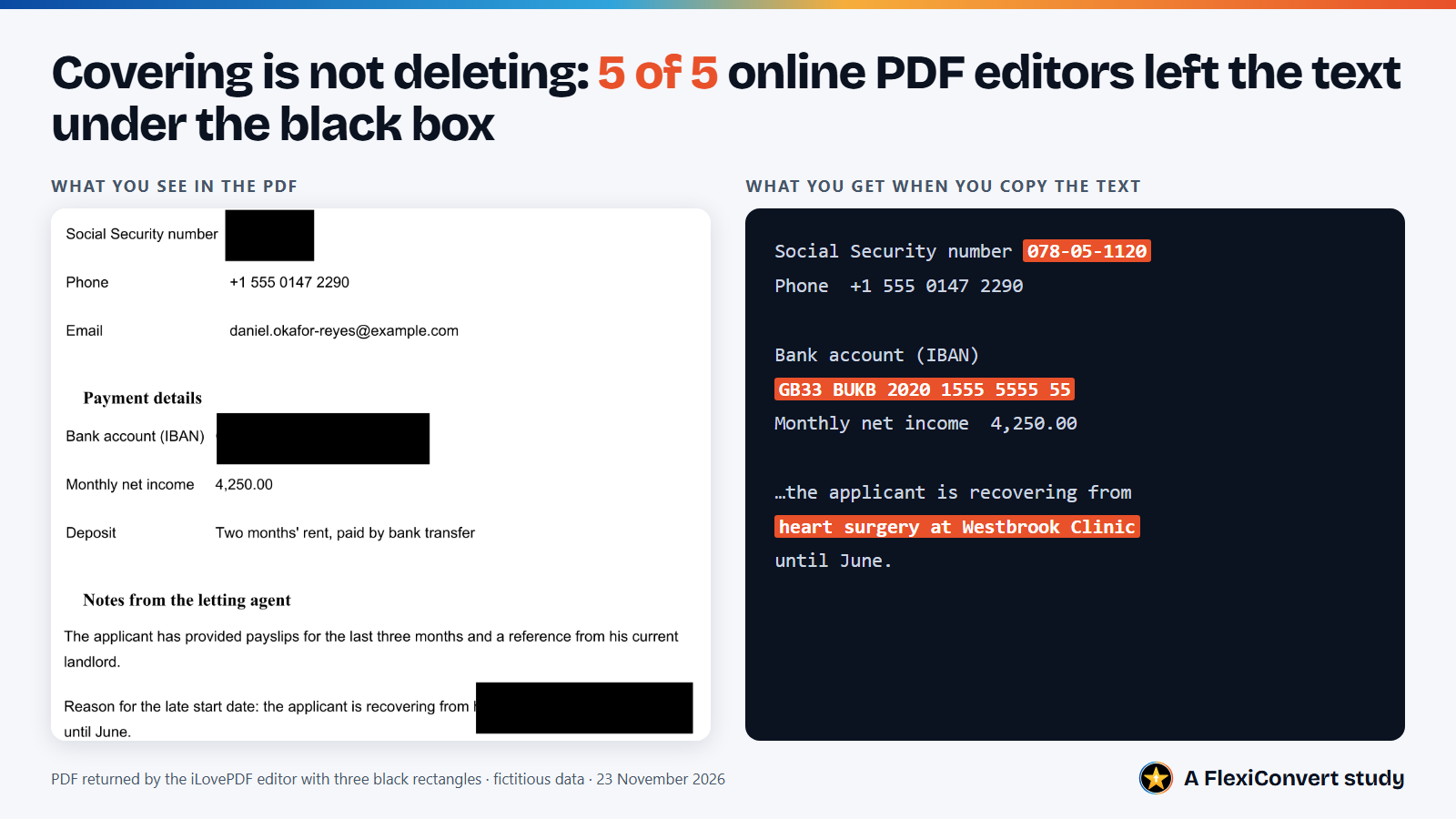
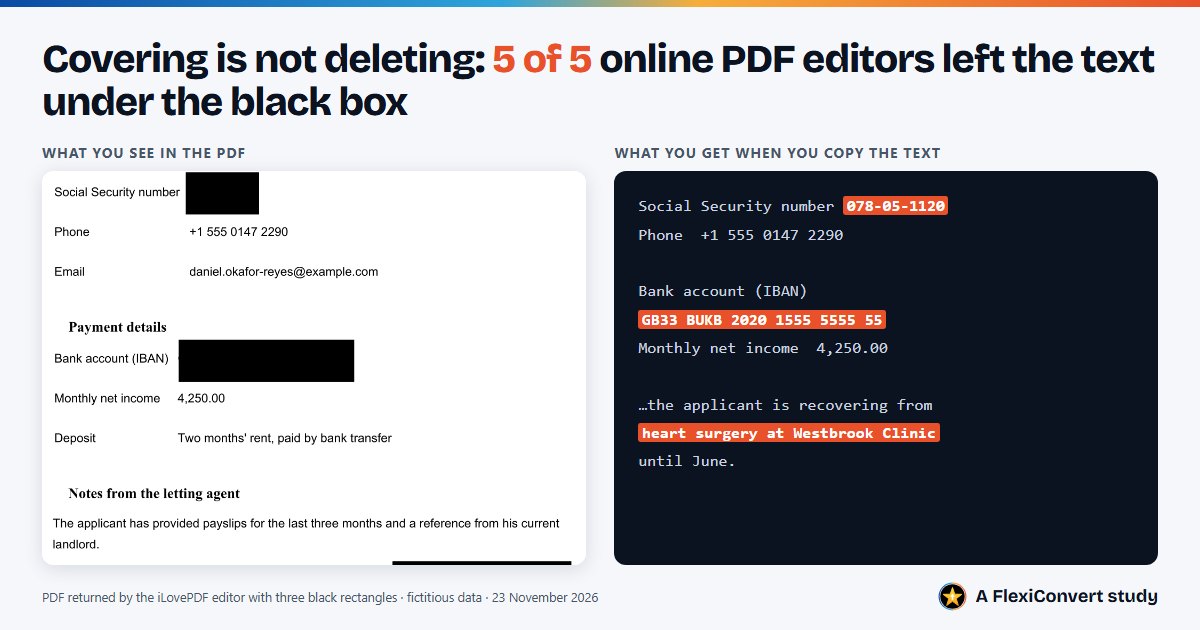
The actual PDF returned by the iLovePDF editor after we drew three black rectangles, and what comes out when you copy its text. The data is fictitious. Download the image as PNG (1600 × 900).
We took the same PDF, a rental application with invented data, and blacked out three details in it with nine free online PDF tools: a Social Security number, a bank account number (IBAN) and a sentence about a heart operation. Then we checked whether the text could still be read from the file.
- In the five online editors where we drew a black box over the text, all three details were still in the PDF. The page looked redacted, but selecting the text and pasting it, or searching the PDF, gave everything back.
- The four dedicated redaction tools we tried removed the text. Three of them belong to the same websites whose editors failed: the tool you pick on the site is what makes the difference.
- One of the editors warned about it in the tool itself. The others did not.
A black box that only hides the text is one of the oldest privacy mistakes with PDFs, and it keeps reaching court filings and official documents. The American Bar Association has collected cases of it.
Results
Tested on 23 November 2026, without an account and with each service's default settings, except the colour of the box. “Still there” means that the covered text could be copied, searched and extracted from the PDF we downloaded.
Dedicated redaction tools
| Tool | Covered text | Notes |
|---|---|---|
| iLovePDF, Redact PDF | Removed | The rest of the document is still text |
| Smallpdf, Redact PDF | Removed | The rest of the document is still text |
| Xodo, Redact PDF | Removed | One free use a day |
| PDF24, Redact PDF | Removed | It turns every page into an image, so no text on the page can be selected or searched any more. The tool says so |
A black box drawn in the online editor
| Editor and tool | Covered text | Notes |
|---|---|---|
| Sejda PDF editor, Whiteout filled in black | Still there | When you choose Whiteout, it warns that it does not completely remove the text underneath |
| Smallpdf, Edit PDF, Rectangle | Still there | The box is an annotation: anyone can select it in a PDF reader and delete it. Redact sits next to it in the same toolbar |
| iLovePDF, Edit PDF, rectangle | Still there | |
| PDF24, Edit PDF, rectangle | Still there | |
| PDF Candy, Edit PDF, Rectangle | Still there | We found no redaction tool on the site |
We also tried Adobe Acrobat online, LightPDF, PDFescape and HiPDF, but we could not complete the test without an account: Acrobat online asks you to sign up to download, and redaction is part of the paid Acrobat Pro; LightPDF asks you to log in to download the result; PDFescape returned a server error when we uploaded the file; and HiPDF's selection did not respond in our session. They are not counted.
Disclosure: FlexiConvert is our own website, so we are not a neutral party. We tested the Cover tool of our PDF editor in the same way, and it removed the text: the rest of the page stays as text, and the document title was removed too. It has not always been like that: until 13 November 2026 our Cover tool also just drew a box over the text. We fixed it before starting this study, and that is why the test file is public and the method below can be repeated by anyone.
Why the text survives
A PDF page is a list of drawing instructions: write these letters here, draw this shape there. A rectangle drawn on top is just one more instruction, painted over the letters. The letters are still in the list, so a PDF reader can still select them, copy them or find them with Ctrl+F, even though nobody can see them.
A redaction tool does something different: it finds what lies under the box and deletes it from the file, and only then paints the box. In some editors, like Smallpdf's, the rectangle is not even part of the page: it is an annotation, a removable layer on top that can be selected and deleted.
How we tested
- We created a one-page rental application for an invented person, Daniel Okafor-Reyes. You can download the test file (81,032 bytes; its SHA-256 fingerprint starts with
BCDF498B186D). The Social Security number is 078-05-1120, a number that has been publicly known for decades and is no longer valid, and the IBAN is the example from the IBAN standard. - In each tool, we covered the Social Security number, the IBAN and the sentence “heart surgery at Westbrook Clinic”. In the editors we used a filled rectangle (black where the tool allowed it, with full opacity); in the redaction tools, their own redaction area.
- We downloaded the result and searched it for the three details with two different text extractors (PyMuPDF and Poppler's pdftotext), in the annotations, and in earlier versions saved inside the same file. We also checked that the rest of the document could still be selected as text.
- We looked at each result to confirm that the boxes covered the three details on screen.
What this test does not show
- It is one document, one attempt per tool and one date. These services can change how they work at any time.
- It only covers a PDF with real text, like one exported from Word. A scanned document is an image, and a box drawn on it behaves differently.
- Removing the text is not everything. Research presented at the Privacy Enhancing Technologies Symposium in 2023 showed that the exact width of the space left behind can sometimes help to guess short redacted words. We did not test that.
- It only looks at the PDF you get back. It says nothing about what each service does with the uploaded file on its servers.
If you run a service listed here and your results differ, write to flexiconvertcontacto@gmail.com and we will test it again and correct this page.
How to check a PDF before you send it
- Search for what you covered: press Ctrl+F (Cmd+F on a Mac) and type a word or a few digits from under the box. If the reader finds it, it is still there.
- Select and paste: press Ctrl+A to select everything, copy it and paste it into a plain text editor. Covered text that appears there has not been deleted.
- Try to move the box: open the PDF in Adobe Acrobat Reader or a browser and click the black box. If it can be selected, moved or deleted, it is a comment on top, not a redaction.
- Check the rest of the file: the same detail may appear on other pages, in a bookmark, in a comment or in the document properties.
How to black out a PDF properly
- Use a tool that says redact, not a shape or highlighter. On iLovePDF, Smallpdf and PDF24, that means their Redact PDF tool instead of the editor. In our PDF editor, the Cover tool deletes what lies underneath.
- Redact every occurrence, on every page, and check again with Ctrl+F.
- Remove the hidden data too: document properties often keep the author's name or the title of the document. You can remove a PDF's metadata without changing its content.
- If in doubt, send an image of the page. Turning the page into an image, as PDF24 does, removes everything underneath, at the cost of the text no longer being searchable.
For journalists and bloggers
In three sentences: we tested nine free online PDF tools by blacking out the same Social Security number, bank account and medical detail. In all five editors where we drew a black box, the three details were still in the file and came out when the text was copied; the four tools built for redaction removed them. What decides whether the data is safe is not the website but the tool you use on it.
- You are welcome to use the data and images on this page in your article or video. We only ask that you credit FlexiConvert as the source and link to this page.
- Images: the main image as PNG (1600 × 900) and the social media version as JPG (1200 × 630).
- To repeat the test: the test file is public and the full method is above.
- Contact: flexiconvertcontacto@gmail.com. If you need the image in another format or a detail that is not here, write to us.
Other FlexiConvert studies
- Word to PDF converters: what they leave in your PDF. Five out of ten printed on the page a salary that had been deleted with Track Changes.
- Do HEIC converters keep your GPS location? Our test. Five out of seven left in the JPG the exact coordinates of where the photo was taken.